FreeDigitel.Tools is a free online platform that provides simple digital tools to help users complete everyday tasks quickly and easily. Instead of installing heavy software or using paid services, users can access useful tools directly through their web browser.
The website a.freedigitel.tools is designed especially for:
-
Beginners
-
Students
-
Bloggers
-
Freelancers
-
Small business owners
The main goal of FreeDigitel.Tools is to make digital tasks simple, fast, and accessible for everyone, without technical complexity.
Website Overview of a.freedigitel.tools
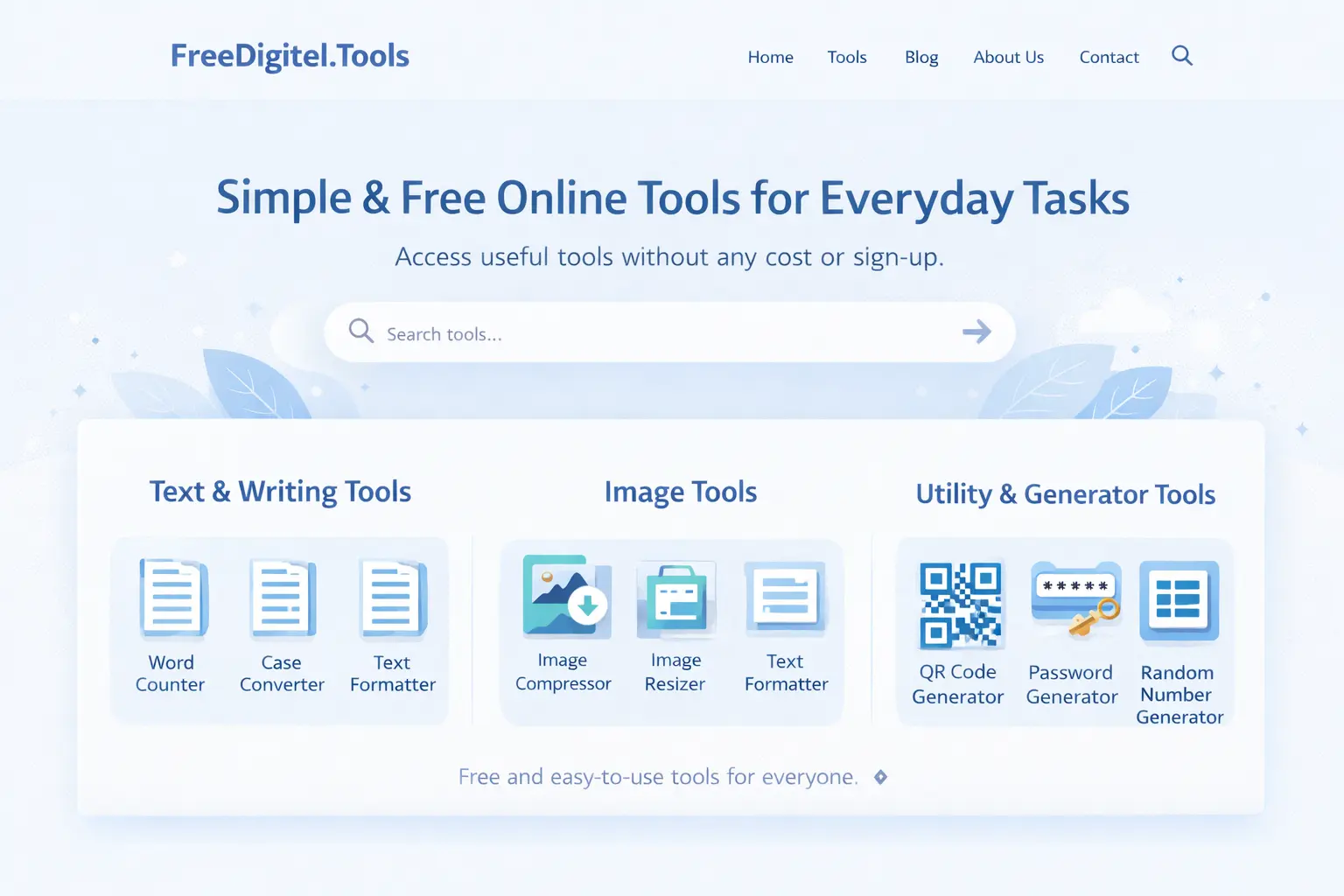
When you open a.freedigitel.tools, you’ll notice a clean and simple interface. The website is structured in a way that users can easily find the tool they need without confusion.
Key Features of the Website:
-
No registration required
-
Works directly in the browser
-
Mobile and desktop friendly
-
Fast loading speed
-
Beginner-friendly design
Each tool is placed in a clear category, making navigation smooth even for first-time users.
Tools Categories Explained
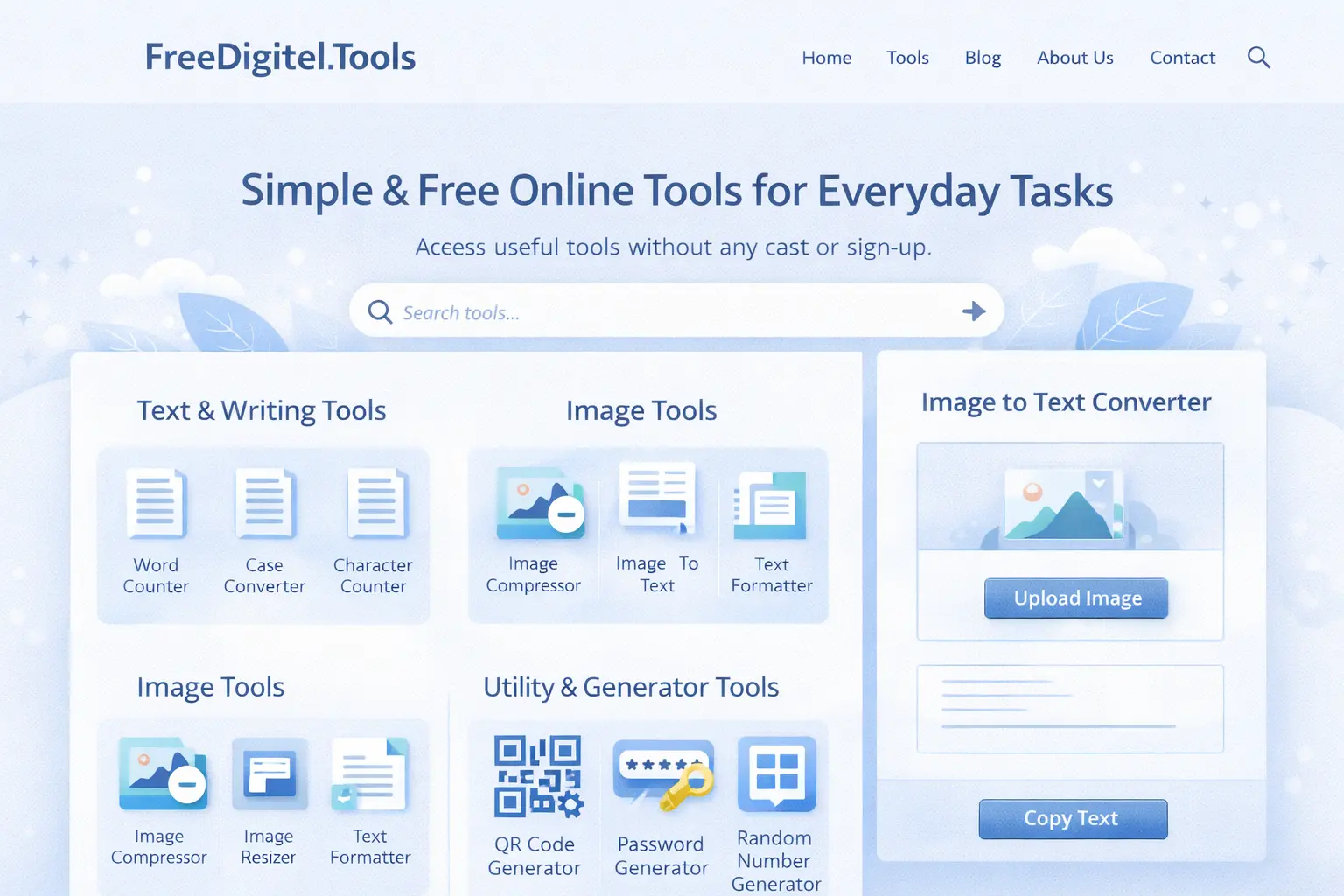
FreeDigitel.Tools offers multiple categories of tools that are commonly searched on Google and used daily.
1. Text & Writing Tools
These tools are popular among bloggers, students, and content writers.
Common tools include:
-
Word Counter Tool (very high search demand)
-
Character Counter
-
Text Case Converter
-
Text Formatter
These tools help users analyze, format, and improve written content easily.
2. Image Tools
Image tools are among the most searched tools on Google, especially by bloggers and website owners.
Popular image tools:
-
Image Compressor (high demand)
-
Image Resizer
-
Image Format Converter
These tools help reduce image size, improve website speed, and optimize images for SEO.
3. Utility & Generator Tools
These tools are widely used for daily digital needs.
High-demand tools include:
-
QR Code Generator
-
Password Generator
-
Random Number Generator
They are useful for security, marketing, and productivity purposes.
How to Use Any Tool on FreeDigitel.Tools (Step-by-Step)
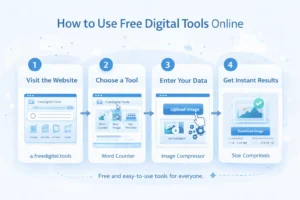
Even if you are a complete beginner, using FreeDigitel.Tools is very easy. The steps are almost the same for every tool.
Step 1: Visit the Website
Open your browser and go to:
👉 https://a.freedigitel.tools
Step 2: Choose a Tool Category
Browse through the available categories or scroll down to find the tool you need.
For example:
-
Want to check article length? → Word Counter
-
Want to reduce image size? → Image Compressor
-
Want to create a QR code? → QR Code Generator
Step 3: Open the Tool Page
Click on the tool. Each tool has its own dedicated page with clear instructions.
Step 4: Input Your Data
Depending on the tool:
-
Paste text
-
Upload an image
-
Enter required details
Step 5: Get Instant Results
Click the button (Generate / Convert / Calculate), and the tool will instantly show results.
No signup, no payment, no waiting.
Example: Using Popular Tools on FreeDigitel.Tools
Let’s understand how some high-search tools work in real life.
Word Counter Tool
This is one of the most searched tools by bloggers and students.
Use case:
-
Paste your article text
-
Instantly see word count, character count, and reading length
Perfect for SEO writing and academic work.
Image Compressor Tool
Very useful for website owners and bloggers.
Use case:
-
Upload an image
-
Compress it without quality loss
-
Download optimized image
Helps improve website loading speed and SEO.
QR Code Generator
Widely used in marketing and business.
Use case:
-
Enter website URL or text
-
Generate QR code instantly
-
Download and use anywhere
Mobile vs Desktop Usage

FreeDigitel.Tools works smoothly on both mobile and desktop devices.
On Mobile:
-
Easy to use with touch interface
-
Ideal for quick tasks
-
Perfect for students and casual users
On Desktop:
-
Better for bulk tasks
-
Easier file uploads
-
Preferred by bloggers and professionals
The website automatically adapts to screen size, ensuring a smooth experience.
You may also find our Image to Text Converter useful if you need to extract editable text from images.
Common Issues & Solutions
Even though the tools are simple, users may face small issues. Here are common problems and their solutions.
Tool Not Loading
Solution:
-
Refresh the page
-
Check your internet connection
File Not Uploading
Solution:
-
Check file size limit
-
Use supported file formats
Results Not Showing
Solution:
-
Make sure required input is provided
-
Re-enter data and try again
Most issues are temporary and can be fixed easily.
FAQs – FreeDigitel.Tools
Is FreeDigitel.Tools free to use?
Yes, all tools available on a.freedigitel.tools are completely free.
Do I need to sign up?
No registration or login is required.
Are these tools safe?
Yes, tools are designed for basic digital tasks and do not store user data.
Can beginners use these tools?
Absolutely. The tools are beginner-friendly and easy to understand.
Final Conclusion
FreeDigitel.Tools is a simple and reliable platform for anyone looking to use free online digital tools. Whether you are a student working on assignments, a blogger optimizing content, or a business owner managing daily tasks, a.freedigitel.tools makes digital work easier.
With no signup, no cost, and easy-to-use tools, it is an excellent choice for beginners.