In today’s digital world, we rely on tools every day to complete our work faster and more efficiently. Whether you are a student, blogger, digital marketer, or business owner, you’ve probably used online tools or installed software at some point.
But a common question many people ask is:
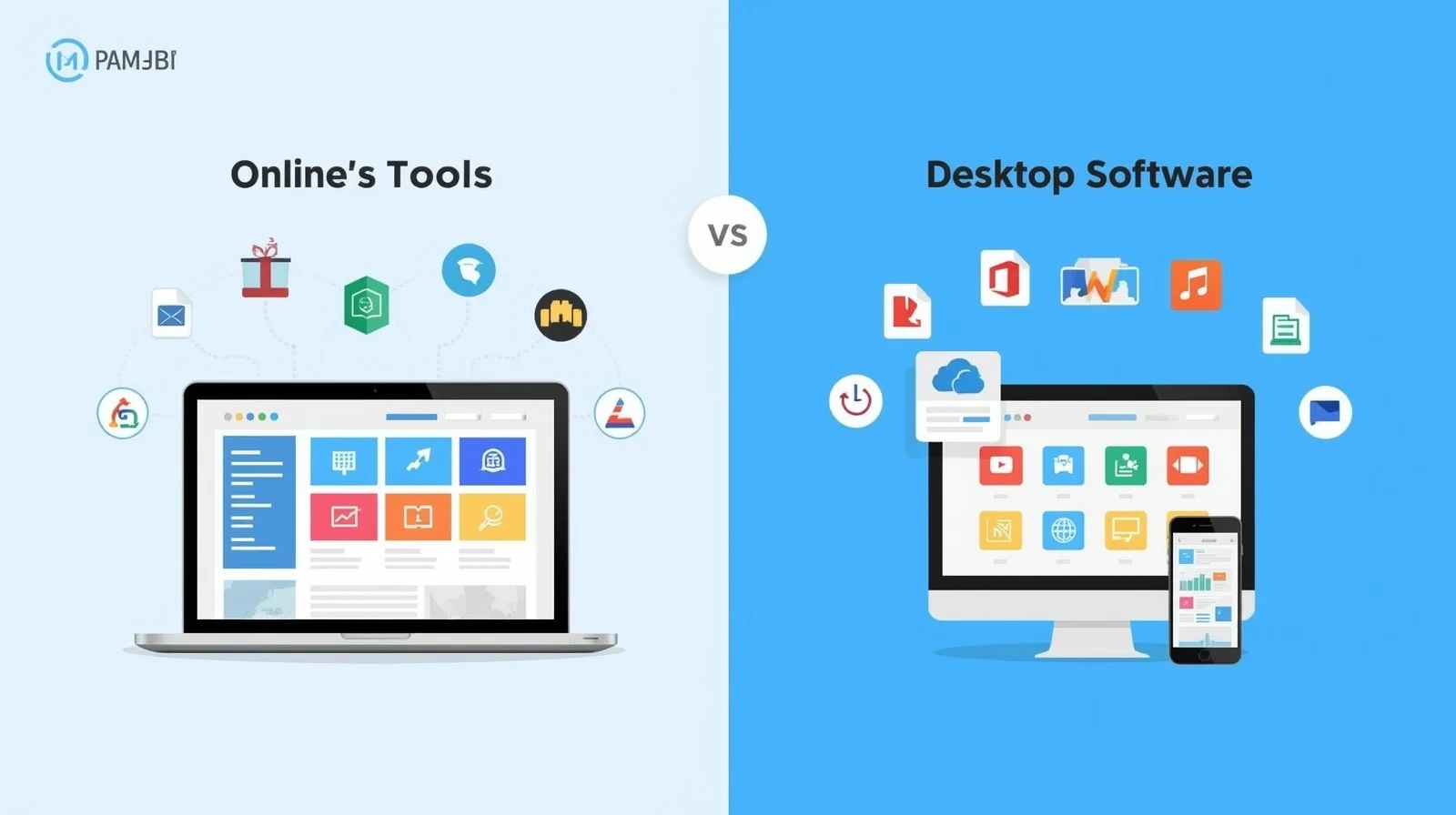
Online Tools vs Software – which one is better?
Some people prefer browser-based tools that work instantly, while others trust traditional software installed on their computers. Both options have their advantages and limitations.
In this guide, we’ll break down everything in simple language. You’ll learn what online tools are, what software is, how they compare, and when you should use which one. We’ll also mention some popular high-search online tools that people use daily.
What Are Online Tools?
Online tools are web-based applications that work directly in your browser. You don’t need to download or install anything. All you need is an internet connection and a device like a laptop, tablet, or smartphone.
Examples of online tools include:
-
Image to Text (OCR) converters
-
JPG to Word converters
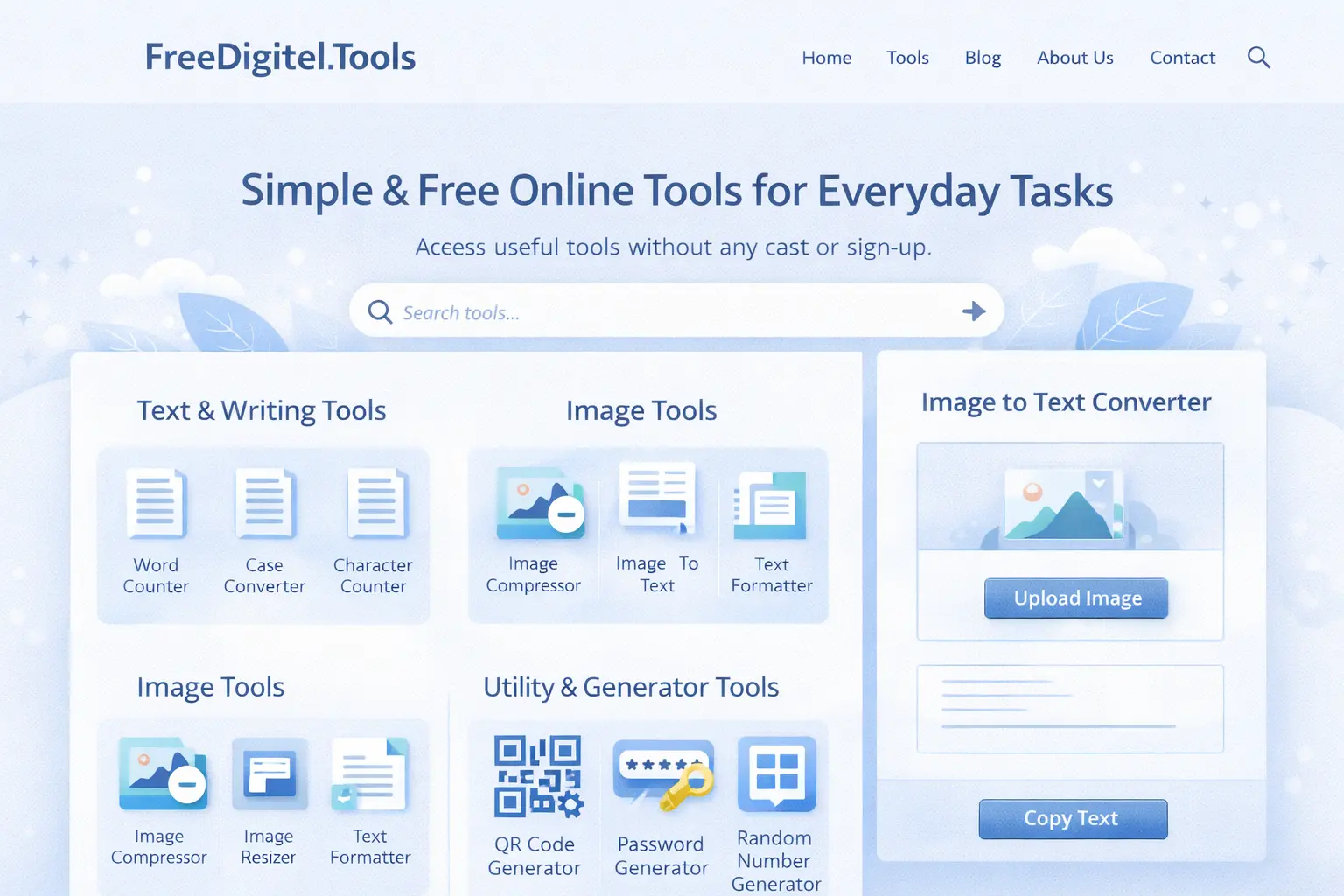
Websites like a.freedigitel.tools offer multiple free online tools that work instantly and are accessible from anywhere.
Key Features of Online Tools
-
No installation required
-
Work on any device
-
Often free or low-cost
-
Instant updates
-
Easy to use
Online tools have become extremely popular because they save time and reduce technical complexity.
What Is Software?
Software refers to programs that you install on your computer or mobile device. These can be desktop applications or mobile apps.
Examples include:
-
Microsoft Word
-
Adobe Photoshop
-
Desktop PDF editors
-
Video editing software
Once installed, software usually works offline and offers advanced features.
Key Features of Software
-
Installed locally on a device
-
Can work without internet
-
Often more powerful
-
Usually paid or licensed
-
Requires system storage
Software is often preferred for heavy or professional-level tasks.
Online Tools vs Software: Quick Comparison Table
| Feature | Online Tools | Software |
|---|---|---|
| Installation | Not required | Required |
| Internet | Needed | Optional |
| Cost | Mostly free | Often paid |
| Accessibility | Any device | Limited to installed device |
| Updates | Automatic | Manual |
| Ease of Use | Beginner-friendly | Learning curve |
Speed and Performance
Online Tools
Online tools are designed for quick tasks. For example:
-
Counting words in an article
-
Converting an image to text
A Word Counter tool or Image to Text Converter works instantly without loading heavy files. This makes online tools perfect for short, frequent tasks.
Software
Software may take longer to open but offers better performance for large or complex tasks. For example, editing large documents or high-resolution images works better in desktop software.
Verdict:
For quick tasks → Online tools
For heavy tasks → Software
Cost Comparison
Online Tools
Most online tools are free or offer essential features without payment. This is ideal for students, freelancers, and beginners.
For example, free tools like:
These tools solve daily problems without costing anything.
Software
Software often requires:
-
One-time purchase
-
Monthly subscription
-
Paid upgrades
Professional software can be expensive and not suitable for casual users.
Verdict:
Online tools win in affordability.
Accessibility and Convenience
Online Tools
Online tools can be accessed:
-
From home
-
At work
-
On mobile
-
On any operating system
You don’t need to worry about compatibility or storage space.
Software
Software is device-dependent. If your device crashes or you switch computers, you may need to reinstall and reconfigure everything.
Verdict:
Online tools are more flexible and accessible.
Use Cases: When to Use Online Tools

Online tools are best when:
-
You need fast results
-
You don’t want to install software
-
You’re working on shared or public devices
-
You want free solutions
Popular online tools people search for on Google include:
-
Word Counter Tool – for writers and students
-
Image to Text Converter – for extracting text from images
-
QR Code Generator – for marketing and sharing links
These tools are frequently used on platforms like a.freedigitel.tools because they are simple, fast, and browser-based.
Use Cases: When to Use Software
Software is better when:
-
You need advanced features
-
You work offline frequently
-
You handle large files
-
You need professional-level control
For example, long-term content editing or advanced design work may require desktop software.
Security and Privacy
Online Tools
Trusted online tools process data securely, often directly in your browser. Many tools do not store user data.
Software
Software stores data locally, which can be safer for confidential projects but also risks data loss if the system fails.
Verdict:
Both are safe if used responsibly.
SEO and Content Creation Perspective

From an SEO point of view, online tools are extremely valuable for content creators.
Tools like:
help writers optimize content length, readability, and structure.
This is one reason why online tools are among the most searched digital utilities on Google today.
Online Tools for Students, Bloggers, and Marketers
-
Students: Essay word limits, assignments
-
Bloggers: SEO-friendly content length
-
Marketers: QR codes, quick text formatting
Online tools save time and reduce dependency on expensive software.
Final Verdict: Online Tools vs Software – Which Is Better?
There is no single winner for everyone.
-
If you want speed, convenience, and cost-effectiveness, online tools are the best choice.
-
If you need advanced features and offline access, software makes sense.
For most everyday users, especially students, bloggers, and small businesses, online tools are more than enough.
Web platforms like a.freedigitel.tools make it easy to access powerful tools without installation, payment, or technical skills.
Conclusion
The debate of Online Tools vs Software depends on your needs, not trends. Online tools have transformed how we work by making productivity simple and accessible. Software still has its place, but for daily tasks, online tools are leading the way.
If you value flexibility, affordability, and ease of use, online tools are clearly the smarter option in today’s digital world.
Also Know……..
Image to Text Converter: A Complete Beginner Guide (How It Works & How to Use It)
Make QR Code from Link: A Complete Beginner Guide (Step-by-Step)
How Does Crypto Affiliate Marketing Work? Everything You Need to Know