In today’s digital world, writing is no longer limited to notebooks and classrooms. Students submit assignments online, writers publish blogs daily, and content creators work under strict word and character limits. In such situations, a Word Counter Tool becomes more than just a counting utility — it becomes a writing companion.
For writers, word count affects readability, SEO performance, and editorial approval. For students, word limits often decide grades and acceptance. A reliable word counter tool helps both groups stay confident, accurate, and stress-free while working on any type of content.
What Is a Word Counter Tool?
A Word Counter Tool is an online utility designed to analyze written text and provide detailed statistics such as:
-
Total word count
-
Character count (with and without spaces)
-
Sentence count
-
Paragraph structure
Unlike basic counting features in text editors, online word counter tools give instant, distraction-free results without installing any software.
Why Word Count Matters for Writers
Professional writers rarely write without tracking word length. Here’s why word count plays a crucial role in writing careers:
1. Editorial Guidelines
Most publications and clients demand articles within a specific word range. Writing too much or too little can lead to rejection.
2. SEO Performance
Search engines prefer well-structured content with adequate depth. Writers often plan content length before writing to match SEO requirements.
3. Consistency
Word counters help writers maintain consistent article length across blogs, newsletters, and content campaigns.
Using a Word Counter Tool during writing ensures your content stays focused and professional.
Why Word Count Is Important for Students
For students, word count is not just a suggestion — it’s a requirement.
Common Student Use Cases
-
School and college assignments
-
Essays and dissertations
-
Online exams and applications
-
Research papers
Many teachers strictly evaluate assignments based on word limits. A word counter tool helps students avoid penalties caused by exceeding or missing required length.
How Writers Use a Word Counter Tool Effectively
Experienced writers don’t wait until the end to check word count. They use word counters strategically.
During Planning
Writers divide articles into sections based on target word count to maintain balance.
While Writing
Live word count helps control unnecessary repetition and filler content.
Before Submission
Final checks ensure the content meets client or platform guidelines.
This habit improves clarity and saves time during revisions.
How Students Can Benefit from a Word Counter Tool
Students often struggle with either writing too much or too little. A word counter tool solves both problems.
Practical Benefits for Students
-
Helps plan answers during exams
-
Keeps essays within required length
-
Improves time management
-
Reduces last-minute stress
Using a word counter also helps students develop better writing discipline over time.
Features Writers & Students Should Look For in a Word Counter Tool
Not all word counters are the same. A good tool should offer:
-
Instant results
-
Clean and simple interface
-
Character and sentence count
-
No login or signup requirement
-
Mobile and desktop compatibility
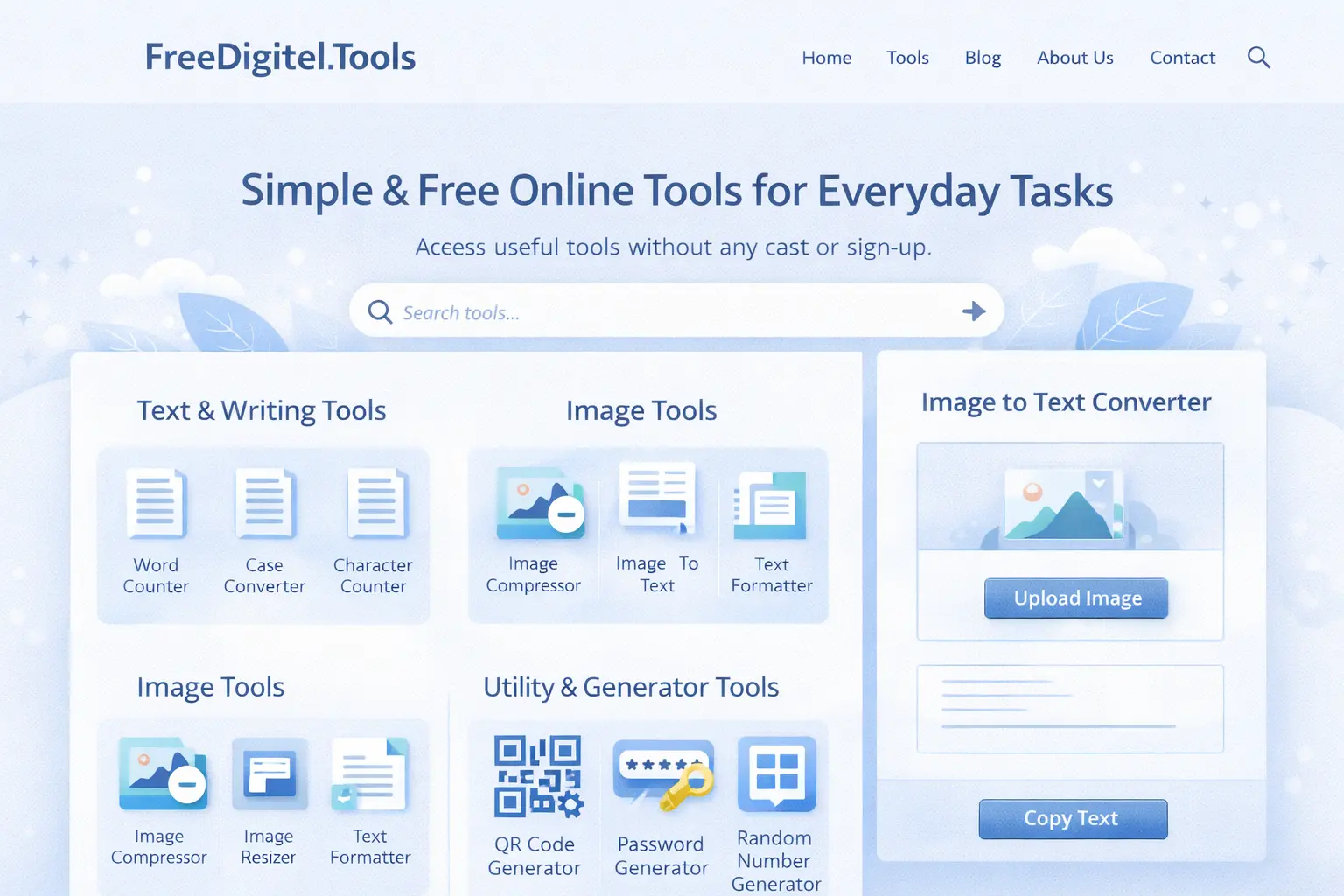
The Word Counter tool available on a.freedigitel.tools is designed to meet these exact needs with a fast and user-friendly experience.
Step-by-Step: How Writers & Students Use a Word Counter Tool
Step 1: Open the Tool
Visit a reliable Word Counter Tool online.
Step 2: Paste or Write Your Text
You can paste your existing content or type directly.
Step 3: Analyze the Results
Check word count, characters, and structure instantly.
Step 4: Edit Accordingly
Adjust content length to match requirements.
This simple workflow makes writing more efficient and accurate.
Word Counter Tool for Academic Writing
Academic writing demands precision. A word counter helps students:
-
Stay within thesis word limits
-
Balance sections properly
-
Avoid unnecessary repetition
Professors often expect clarity and structure, and controlling word length supports both.
Word Counter Tool for Creative Writing
Creative writers also rely on word counters to:
-
Control pacing in stories
-
Meet short story or contest limits
-
Edit drafts effectively
Knowing word length helps creative writers maintain rhythm without losing expression.
Online Word Counter vs Manual Counting
Manual word counting is time-consuming and inaccurate. Online word counters:
-
Deliver instant results
-
Reduce human error
-
Improve productivity
For anyone writing regularly, manual counting is no longer practical.
Mobile and Desktop Usage Experience
A good Word Counter Tool works seamlessly across devices.
On Mobile
-
Useful for quick edits
-
Ideal for students and casual writing
On Desktop
-
Best for long-form writing
-
Comfortable for bloggers and researchers
Modern online tools are optimized for both environments.
Common Mistakes Writers & Students Make Without a Word Counter
-
Ignoring word limits
-
Overwriting content
-
Submitting under-length assignments
-
Poor content structure
Using a Word Counter Tool eliminates these mistakes easily.
FAQs – Word Counter Tool

Is a Word Counter Tool free to use?
Yes, most online word counter tools are completely free.
Can writers use it for SEO content?
Absolutely. Writers often rely on word counters for SEO planning.
Does the tool save my content?
Trusted tools process text locally and do not store data.
Can students use it during exams or assignments?
Yes, it is especially helpful for exam preparation and assignments.
Final Conclusion
A Word Counter Tool is an essential digital companion for writers and students alike. It improves accuracy, saves time, and helps users meet strict writing requirements with confidence. Whether you are crafting an SEO blog, submitting an academic assignment, or writing creatively, a word counter tool ensures your content stays clear, structured, and professional.
If writing is part of your daily life, using a word counter tool is no longer optional — it’s a smart habit.
Also Know……..
Image to Text Converter: A Complete Beginner Guide (How It Works & How to Use It)
Make QR Code from Link: A Complete Beginner Guide (Step-by-Step)
How Does Crypto Affiliate Marketing Work? Everything You Need to Know